

Industry-Leading Recovery Experts
Mac Data Recovery Services
Unable to access files on your MacBook, iMac, or macOS-formatted storage? We restore lost data from corrupted, unreadable, or failing Apple devices and file systems.
Free Consultation
99% Success Rate
Secure & Confidential
Our main priority is providing excellent customer service and a top-notch customer experience for all clients. To get started, simply fill out the help form below. A dedicated customer service representative will then reach out to you to assess your needs and provide comprehensive information about our data recovery services.
"*" indicates required fields
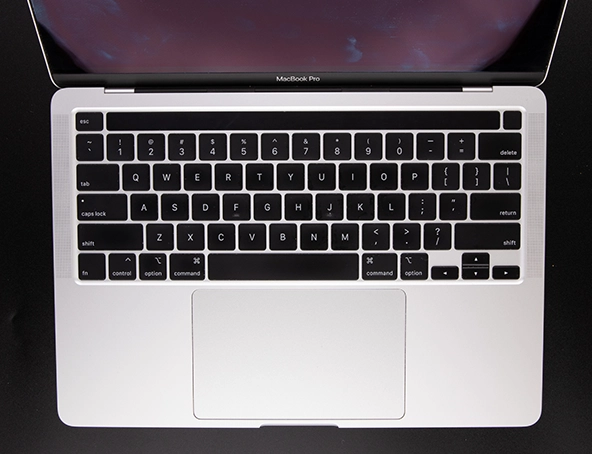
Mac Data Recovery for Failed, Deleted, or Unmountable Drives
While Mac computers are renowned for stability, unexpected data loss still occurs. Whether your system refuses to boot, an external volume fails to mount, or files have disappeared, professional recovery options are available.
Our specialists perform data recovery across the entire lineup of Apple devices and file structures. From hardware faults and liquid damage to accidental formatting and corrupted macOS partitions, we safely extract critical files from complex Mac storage issues.
Common Mac Data Loss Scenarios We Recover
We recover data from Apple devices with various types of damage or corruption, including:
Failed macOS Updates and Startup Issues
- System hanging on the Apple logo or progress bar
- Flashing folder with a question mark on boot
- Boot loop or system failure following an OS upgrade
Accidental File Deletion or Drive Formatting
- Disks erased through Disk Utility
- Permanently emptied Trash or deleted profiles
- Overwritten or formatted Time Machine backup drives
External Drive Not Mounting on Mac
- Enclosures or portable drives unrecognized by Finder
- Prompts stating "Disk not initialized" or "Unreadable"
- Damaged APFS or HFS+ directory structures
Hardware or Logic Board Damage
- Liquid spills, moisture exposure, or impact damage
- Internal SSD failing to show in macOS Recovery
- Unresponsive logic boards on Intel and Apple Silicon Macs
Unclear about the root cause? Contact us for a free evaluation to determine your best recovery path.
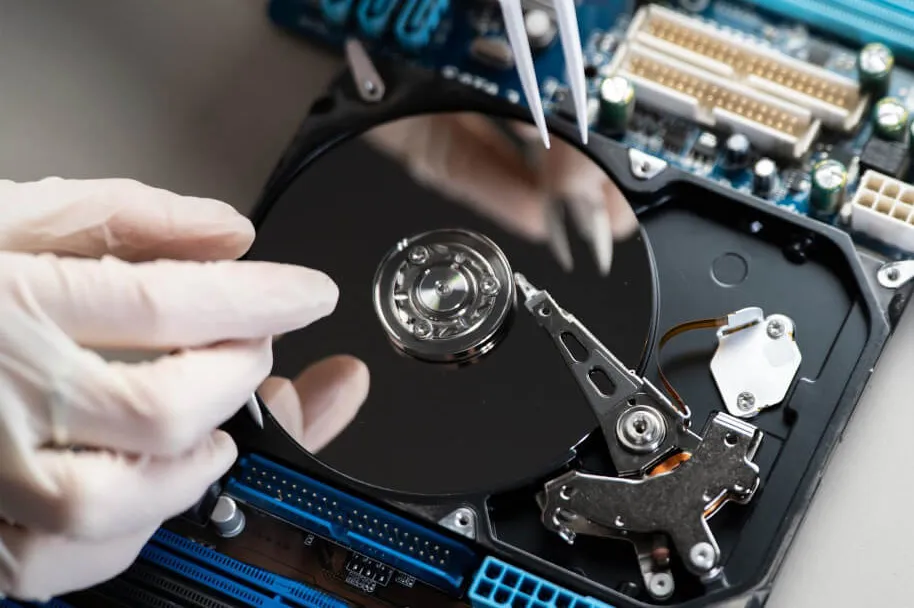
Start Your Mac Recovery Today
Facing lost or inaccessible files on your Apple device? Reach out to our team for a free consultation. We regularly restore critical files from failed MacBooks, iMacs, and external Time Machine volumes, providing safe and secure recovery services across Canada.
How We Recover Data from macOS Devices
- Diagnostic Evaluation: We examine your Mac or storage drive to identify physical, electrical, or logical issues.
- Sector-Level Imaging: We generate a exact clone of the storage volume to prevent additional wear on the source drive.
- File System Reconstruction: We repair broken APFS or HFS+ file structures to locate orphaned data.
- File Extraction: We retrieve user data, personal photos, business files, and system libraries from the disk image.
- Secure Delivery: We return your restored data on a fresh, Mac-formatted external drive ready for immediate use.
We support Intel-based models as well as Apple Silicon architectures (M1, M2, M3) and encrypted FileVault drives.
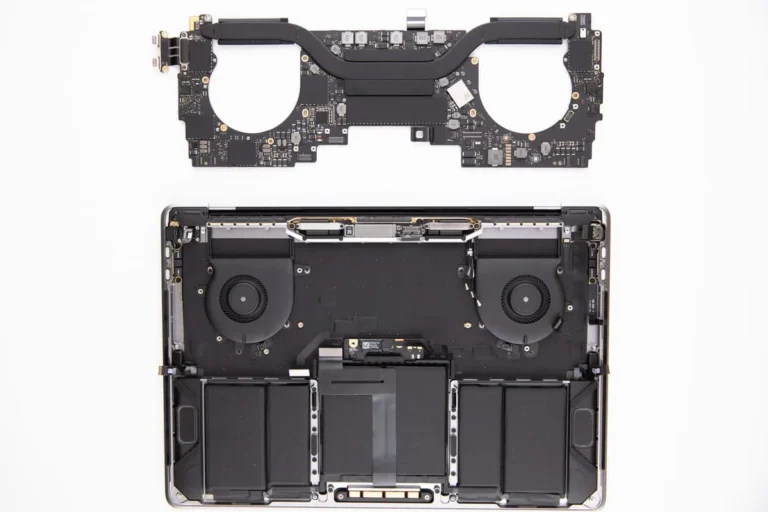
Supported Mac Devices and File Systems
Internal Storage
MacBook Pro, MacBook Air, iMac, Mac Mini, Mac Studio (Intel & Apple Silicon)
External Storage
Time Machine disks, USB-C drives, Thunderbolt SSDs, macOS-formatted hard drives
macOS File Systems
APFS, HFS+, exFAT, FAT32
Frequently Asked Questions
Find quick answers regarding our Mac data recovery services.
My Mac will not start up after a system update. Is my data recoverable?
Yes. Failed operating system updates are a common issue. Even when the Mac refuses to boot, we can bypass system files, image the drive safely, and extract your files directly from the user partition.
I erased my Mac storage using Disk Utility. Can my files be restored?
In many cases, yes. As long as the storage space has not been extensively overwritten, we can scan the underlying partition structure to identify lost APFS or HFS+ volumes and recover missing directory structures.
My external Mac drive will not mount in Finder. What are the next steps?
Avoid running disk repair utilities repeatedly, as this can overwrite metadata. Unmountable drives usually suffer from file system corruption or interface issues, both of which we can address safely through clone-based extraction.
Do I need to remove the SSD from my Mac before sending it in?
No. Modern Macs with soldered flash storage (including Apple Silicon models) require specialized hardware diagnostics. Our engineers work directly with the complete system or logic board in a safe environment.
Do I need to remove the SSD from my Mac before sending it in?
Have Questions or Need Help?
If your question wasn’t answered in the FAQ, our specialists are available to assist you directly. Contact us for fast, professional support tailored to your data recovery needs.
What Our Customers Say
Real stories from clients who trusted us to recover their data. See how we’ve delivered results with speed, security, and expert care.
Rated 4.9 out of 5.0 from 350+ verified customer reviews
Your Data. Recovered. Securely.
Secure. Compliant. Proven.
"*" indicates required fields